Arm Mechanism
Rotary mechanisms enable the pivoting of mechanisms through rotational movement. These mechanisms come in many shapes and sizes. The arm mechanism is designed to control a pivot joint that rotates to a desired angle. It supports position control, velocity control, and duty cycle control while handling sensor conversions and simulation behind the scenes.
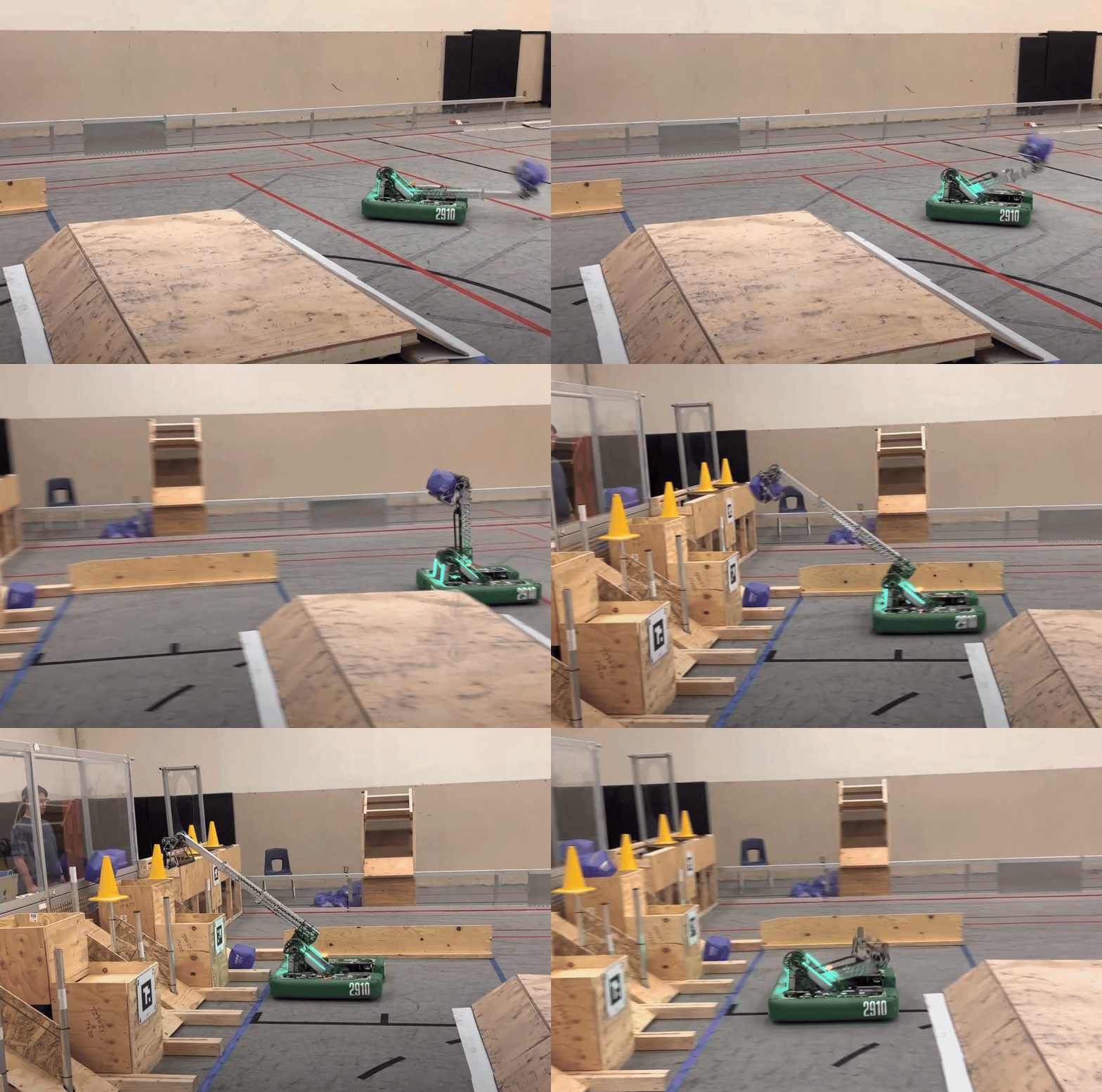
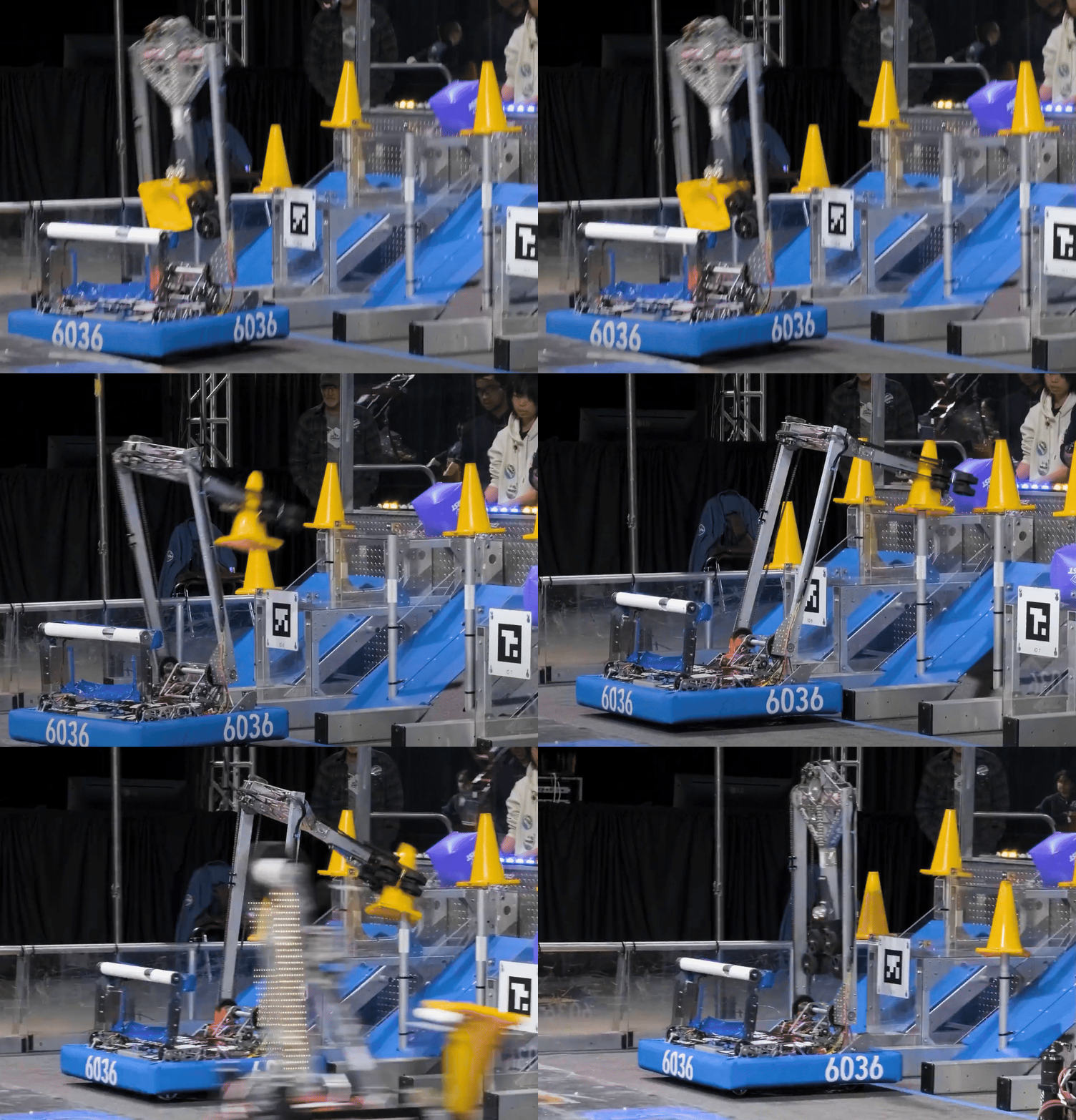
Common Use Cases
- Intake pivots
- Shooter or hood pivots
- Climber arms
Typical Controls
- Position control for moving to a fixed angle.
- Motion profile position control for smoother movements with controlled acceleration.
- Velocity control for constant-speed motions.
- Duty cycle for manual/teleop override.
Constructor Parameters
The ArmMech constructor requires the following parameters:
logging_prefix- String prefix for logging (typically fromgetSubsystemKey())mech_name- Optional name for multiple instances (passnullif only one arm)motor_configs- List ofMotorConfigobjects, leader firstgear_ratio- Gear ratio as motor rotations / mechanism rotationsarm_length- Length of the arm in meters (used for simulation)arm_mass- Mass of the arm in kg (used for simulation)min_angle- Minimum angle in radians (used for simulation)max_angle- Maximum angle in radians (used for simulation)gravity_compensate- Optional boolean to enable/disable gravity compensation (default: true)
Example Construction
// In your subsystem constructor
pivot_ = new ArmMech(
    getSubsystemKey(),           // Logging prefix
    "Pivot",                      // Mechanism name (optional)
    List.of(CONSTANTS.PIVOT_MOTOR_CONFIG),  // Motor configs
    CONSTANTS.PIVOT_GEAR_RATIO,  // Gear ratio
    CONSTANTS.PIVOT_LENGTH,       // Length (m)
    CONSTANTS.PIVOT_MASS,         // Mass (kg)
    CONSTANTS.PIVOT_MIN,          // Min angle (rad)
    CONSTANTS.PIVOT_MAX           // Max angle (rad)
);
// Set initial position (for zeroing)
pivot_.setCurrentPosition(CONSTANTS.PIVOT_HOME_POSITION);
Common Methods
Control Methods
setTargetPosition(angle_rad)- Standard position controlsetTargetPositionMotionProfile(angle_rad)- Position control with motion profilingsetTargetPositionWithFF(angle_rad, feedforward)- Position control with arbitrary feedforwardsetTargetPositionMotionProfileWithFF(angle_rad, feedforward)- Motion profile with feedforwardsetTargetVelocity(velocity_rad_per_sec)- Velocity controlsetTargetDutyCycle(duty_cycle)- Open-loop voltage control (-1.0 to 1.0)
Feedback Methods
getCurrentPosition()- Returns current angle in radiansgetCurrentVelocity()- Returns current velocity in radians per secondgetLeaderCurrent()- Returns leader motor current draw in amps
Calibration
setCurrentPosition(angle_rad)- Sets the current position (for zeroing/homing)
Simulation
applyLoadTorque(torque_nm)- Applies external load torque at the arm shaft (simulation only)
Tips
- Use motion profile control for smoother movements with large position changes.
- The mechanism automatically handles gravity compensation if enabled in the constructor.
- Always set an initial position using
setCurrentPosition()after construction to establish a known zero point. - Use feedforward control to improve tracking performance on demanding trajectories.
- Keep units consistent (radians for angles, radians per second for velocities).
- For multiple arms in one subsystem, provide a unique
mech_nameto distinguish them in logs.